
Early educator story circle
Kindergarten read-aloud activities: low-prep story circle ideas
Invite children to participate in a kindergarten read-aloud with prediction prompts, group sound effects, and physical picture sequencing. These low-prep options can be adapted to the story and the group.
Activity at a glance
- Audience
- Kindergarten and Pre-K educators (whole group or small group, ages 4–6)
- Duration & preparation
- 15 to 20 minutes · 5 minutes to pre-read story and identify 2 pause points
- Materials
- One reviewed storybook (print or digital display)
- 3–4 simple sequencing cards or whiteboard sketches
- Chime or gentle signal for focus
Adaptations
- • For wiggly carpet sessions: assign physical sound cues and seated gesture prompts.
- • For multilingual learners: pre-teach two key vocabulary words with visual pictures.
- • For small-group intervention: focus on beginning-middle-end card sorting.
Published by: ELEN Story AI · Updated
Method 1 (Non-Product): The Three-Stop Prediction Circle (15 minutes)
This zero-tech method gives a standard picture-book read-aloud three planned moments for participation.
Before opening the book, show the cover illustration and ask one open observation: "What do you notice about this character’s posture? What problem might they run into today?" Give children 30 seconds to whisper their idea to their carpet partner.
During reading, plan exactly two pause points. Stop before a major turning point: "Look at the character’s face. What clue tells us what they might decide to do?" Finish the story smoothly without interrupting the resolution.
- Step 1 (Pre-reading): Cover observation and partner whisper prediction (2 min).
- Step 2 (During reading): Two planned prediction pauses; avoid quiz-style questioning (10 min).
- Step 3 (Post-reading): Quick thumbs-up check: "Did the ending match what our hero wanted?" (3 min).
Method 2 (Product-Assisted): Single-Screen Illustrated Storytime
When educators need a specific story tailored to a classroom topic—such as sharing classroom toys, learning about honeybees, or seasonal changes—an adult-operated digital storybook provides an engaging visual centerpiece.
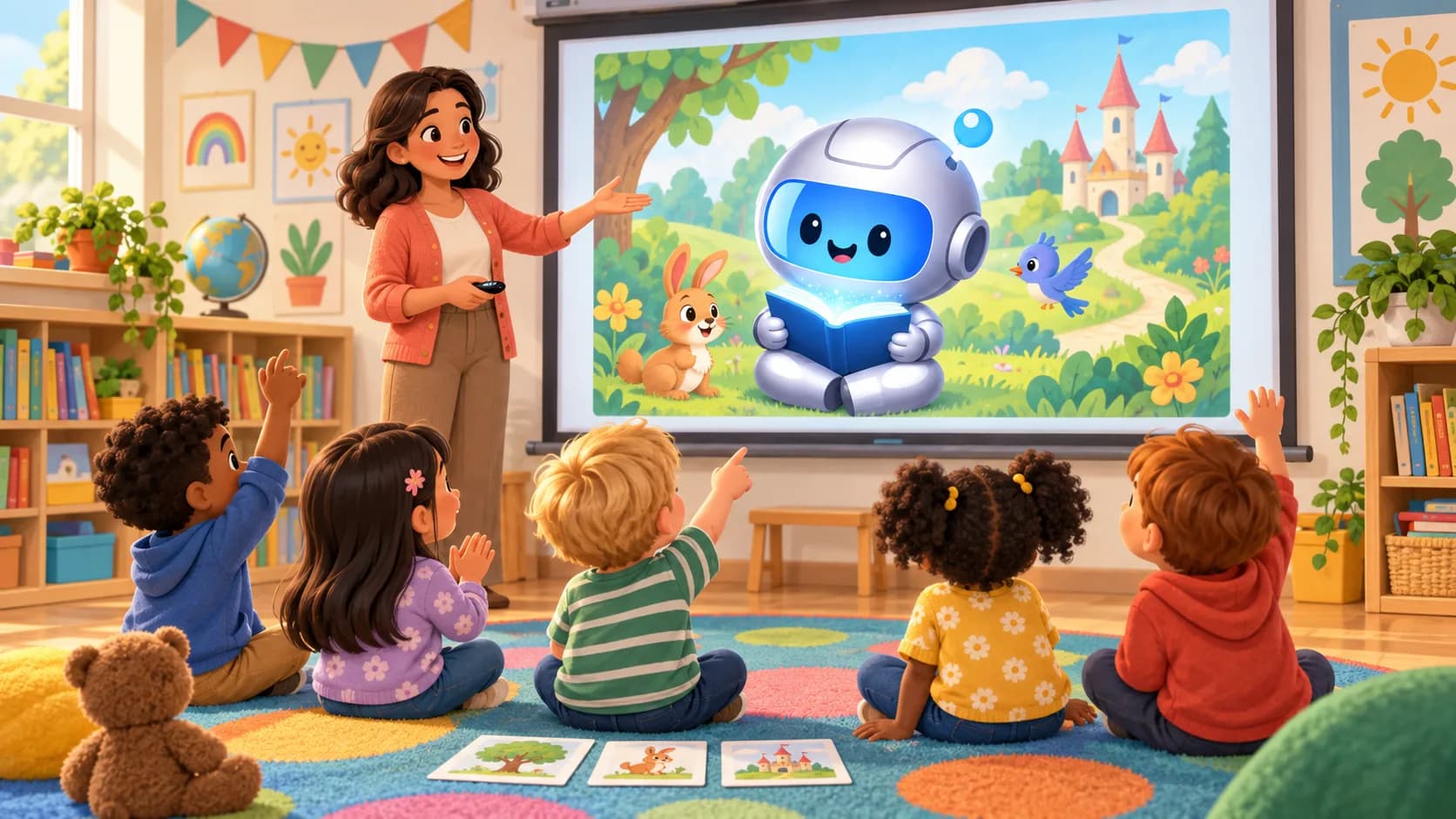
The teacher creates and reviews an illustrated storybook in advance on ELEN. During circle time, the teacher displays or projects the storybook on the classroom screen or interactive whiteboard.
Product boundary: the teacher operates the adult account and shared screen. Children participate verbally, with gestures, and through group discussion. This workflow does not require student accounts, logins, profiles, rosters, or stored student records.
- Teacher pre-selects and reviews the story before the lesson.
- Displayed on a single classroom screen or projector during carpet time.
- No student logins, rosters, or stored student records are required.
Choral responses and sound-effect bridges
Kindergarteners naturally want to use their voices and bodies. Incorporate choral sound cues to keep attention anchored.
Assign halves of the carpet different recurring story motifs: when the wind appears, group A makes a gentle "whoosh" sound; when the character walks, group B gently pats their knees. Stop the cues if they distract from listening.
Story sequencing without static worksheets
Traditional fill-in worksheets can frustrate kindergarteners who are still developing fine motor skills. Instead, practice sequencing physically.
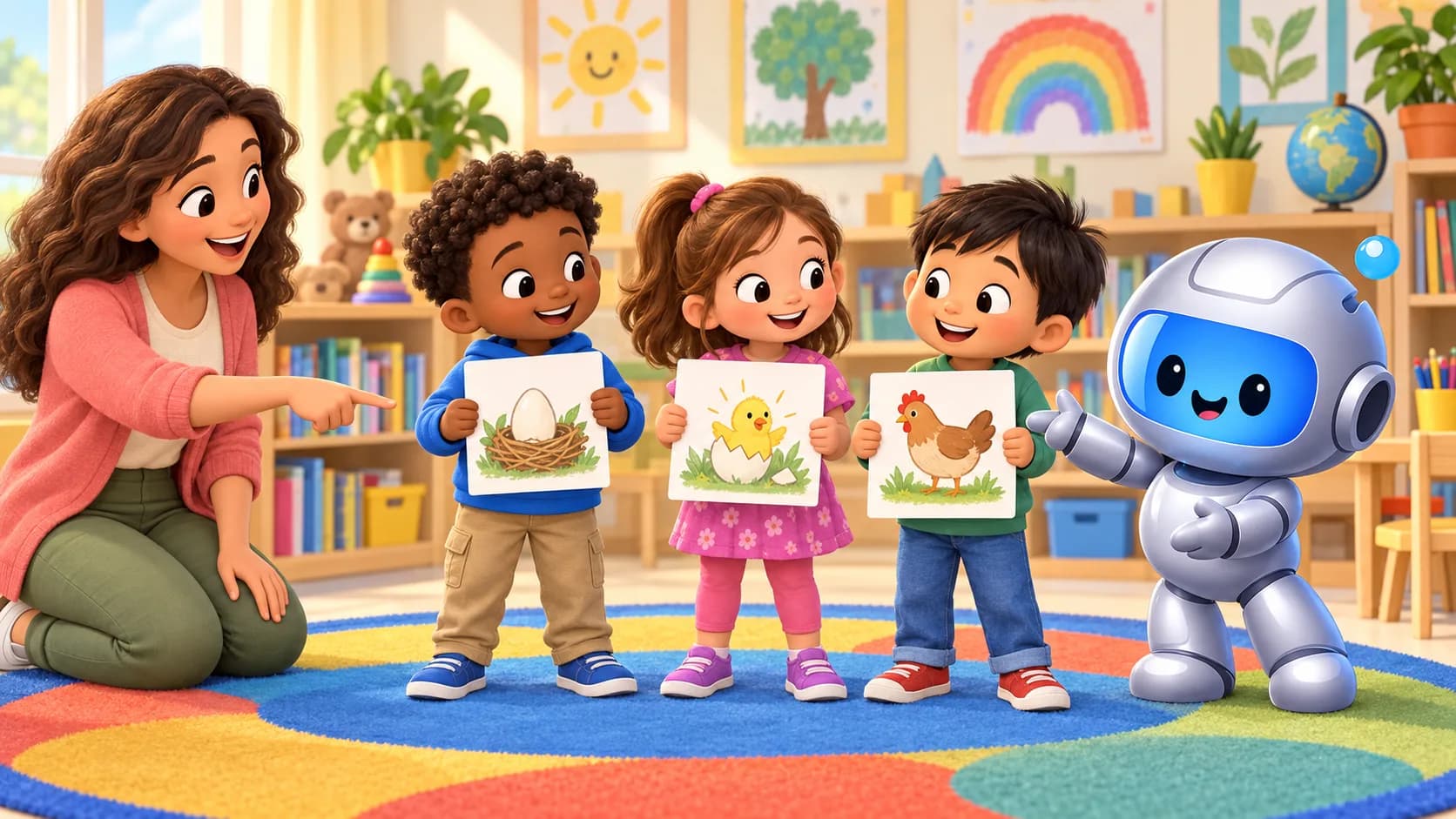
Draw or print three simple scene moments on cards (Beginning, Middle, End). Invite three students to hold a card and stand in a line. Ask the class: "Is our story in order, or does our hero need to start somewhere else?" Let the children physically shuffle places to show the story sequence.
Classroom boundaries and student privacy
ELEN is committed to student safety and strict data minimization. Our consumer platform is built for adults (parents and independent educators).
We do not offer student accounts, student portals, rosters, or institutional student record management. This activity uses an adult-owned account and does not require the teacher to enter student information.
Create a story for your classroom read-aloud
Describe a lesson theme, seasonal topic, or social skill, review the illustrated storybook, and display it on your classroom screen during story circle — strictly no student accounts or logins required.
Prepare read-alouds on iPhone or iPad
Create and review a classroom story from the adult account, then present it on a shared screen—no student accounts or logins required.
Get the iPhone & iPad appQuestions educators ask
Do students need devices or logins to participate?
No. The teacher operates the adult account and displays the story on a single shared screen or projector. Children participate through speech, listening, and collaborative carpet activities.
Does this activity require student data?
No. The teacher uses an adult account; this activity requires no student accounts, profiles, rosters, or student records. Teachers should not enter identifying student information into prompts.
Can I print storybooks for our classroom reading corner?
When a completed storybook has a PDF, adults can open it from the web story page and print it through their browser for classroom reading.
Is this a complete literacy lesson or assessment?
No. These are optional participation ideas for a teacher-led read-aloud. Educators should adapt them to their curriculum, learners, accessibility needs, and professional judgment.


